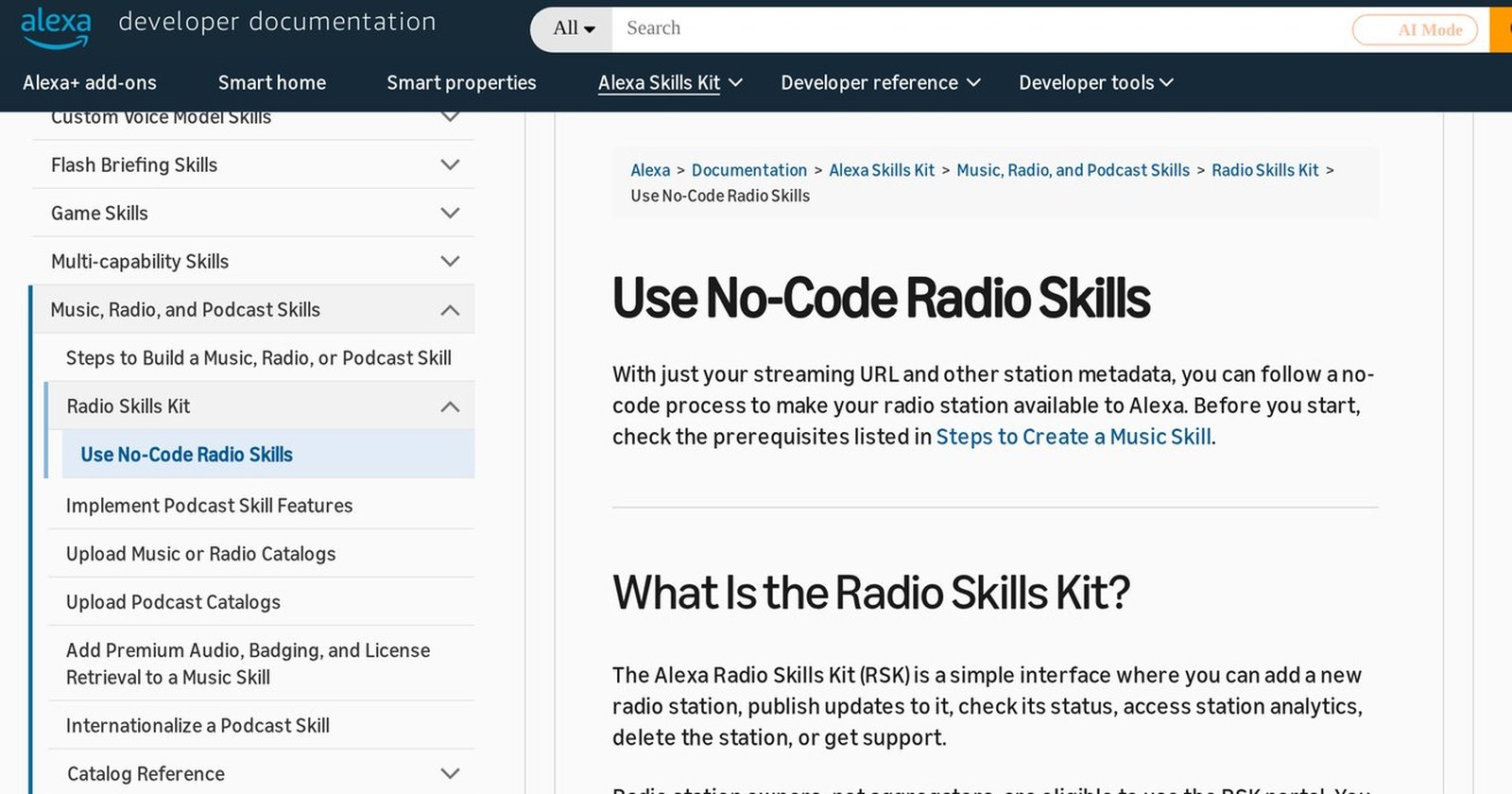
Amazon has a way to put a radio station on Alexa without writing a line of code. It's called the Radio Skills Kit, or RSK: you sign in with an Amazon developer account (which is free), enter the station name, stream URL, city, frequency and logo, and the station plays when someone asks for it. The supported-countries list covers the US, Canada, the UK, Mexico, Brazil, Argentina, Chile, Colombia, Peru and others. Amazon last updated the page on September 2, 2026.
I think most stations should start there, not with a custom skill. Listeners say "Alexa, play 98.1" or call the station whatever they call it at the gas station. Nobody says "Alexa, open the skill for station so-and-so." The RSK was built for the first sentence. And what keeps a station off Alexa is usually the stream URL, not the missing skill.
What's the difference between the RSK and a custom skill?
According to Amazon's own documentation, a custom skill (an "ASK custom skill") has to be enabled by the listener in the Alexa app before it plays the station, and in most cases the listener has to ask Alexa to "open" or "launch" it. A station listed through the RSK is autoenabled. You just ask.
Requests are looser too. With the RSK, a listener can ask for the station by name, by an alternative name, by call sign or by frequency, and Alexa looks for nearby stations first. Amazon also says the RSK supports multi-room playback and alarms and routines that play the station, which custom skills don't offer today. For radio, the alarm is the prize: Alexa turning your station on at 6 a.m., every day, with nobody asking.
Only the station owner can sign up. In Amazon's words: "Radio station owners, not aggregators, are eligible to use the RSK portal." In the US, Amazon adds, that is usually the entity holding the FCC license. If an aggregator already plays your station on Alexa, it isn't the one who files this. The station does, with its own account.
What stream URL does Alexa accept?
The URL in the RSK stream field has to meet five conditions:
- no IP address in place of a domain;
- no click required to start playback;
- no user-agent filtering;
- HTTPS, not HTTP;
- AAC/MP4, MP3, PLS, M3U/M3U8 or HLS format.
If your stream looks like http:// followed by an IP address and :8000, it fails two lines at once. Anyone who has run an internet station knows that URL: an Icecast or Shoutcast box set up years ago and never touched since. The fix is a domain and a valid certificate in front of the server, or a request to your streaming provider. Alexa's long-form audio page, which applies to custom skills, says the same thing: HTTPS on port 443, a trusted certificate, no self-signed certificates. If the URL is a playlist (.pls, .m3u), every stream inside it has to be HTTPS as well.
Notice Opus isn't on the list. If you followed our advice on internet radio bitrate and only run an Opus mount, you need a second one in AAC or MP3 for Alexa. The user-agent rule is the one people forget: a server set to block anything that doesn't look like a browser blocks Alexa too.
How to fill in the name so Alexa understands it
The RSK takes up to five alternative names per language, separated by commas. In Portuguese, Spanish, German, French and Italian, Amazon asks you to include the English spelling when the name isn't English and to leave out accent marks. That's where the nicknames go: the short name listeners actually use, the frequency people call you by, the old name from before the rebrand.
The call sign field can't be left blank. Call signs aren't used in some countries, and if your station doesn't have one on air, Amazon says to repeat the main station name there. Internet-only stations enter 0.0 as the frequency. A station with several frequencies picks the one listeners ask for most, or lists each one as a separate station.
After you submit, Amazon says ingestion takes up to 72 hours (in Great Britain and Ireland it's a manual process that can take up to three weeks). Unique listeners and access counts show up in the RSK dashboard about 48 hours after publication.
What about the other 98.1?
Frequencies aren't unique. Amazon warns that when someone asks for a number alone, Alexa uses the person's location to decide which station to play. So test the right way: ask by frequency from inside your coverage area, ask by name, ask by nickname. A test run from another city tells you nothing.
If anyone on staff has enabled an old custom skill for the station, disable it in the Alexa app before testing. People who enabled the custom skill keep landing on it, even after the RSK listing goes live.
When a custom skill still makes sense
A custom skill is still worth it when the station wants more than a play button: song requests, polls, on-demand content, an interaction that belongs to a specific show. The naming rules are different there. In English, the invocation name can't be a single word (unless it's your own brand, with proof), can't be just a place name, can't contain launch words like "play" or "open" or the word "Alexa", and numbers are spelled out ("twenty one"). Names that are too generic can be rejected in certification.
If you have an old skill and are moving to the RSK, don't delete it. Amazon asks you to hide it and allow at least four months for it to be disabled; delete it and existing users get an error.
If you want Alexa as part of the station's own app, Virtues builds the station app for phones, TV, CarPlay and Alexa. Under Amazon's rule, the RSK listing itself still belongs to the station.
Before opening any console, copy your stream URL and look at it. If it starts with http:// or has an IP in the middle, that's this week's first job. The rest is a form.